AMD Acknowledges a Bug That Affects Your SSD’s Lifespan: Users Report Constant Data Writes That Could Reduce Hardware Longevity by 1% Every Month
By Víctor Rosas onThe company is working on a fix, but the community is concerned about the condition of its hardware

WHAT YOU NEED TO KNOW:
- AMD acknowledged a bug affecting some devices in its Radeon graphics card lineup that causes constant data writes, potentially reducing SSD lifespan by up to 1% per month.
- The issue is related to the External Events Utility (EEU) service, which is associated with AMD Radeon drivers and generates excessive data writes even when the system is idle.
- Some users have reported that the problem has persisted for extended periods. In certain cases, unnecessary data writes continued for as long as 16 months.
Now is not exactly the best time to spend money on a new SSD, especially if it’s because of a problem that occurs silently and could affect your PC when you least expect it. That’s precisely what is happening with some AMD hardware.
Recent reports revealed a bug affecting AMD Radeon GPUs that reduces SSD lifespan because of constant data writes.
The problem is no longer just a rumor or a topic discussed on forums. AMD has responded and acknowledged that the issue is real.
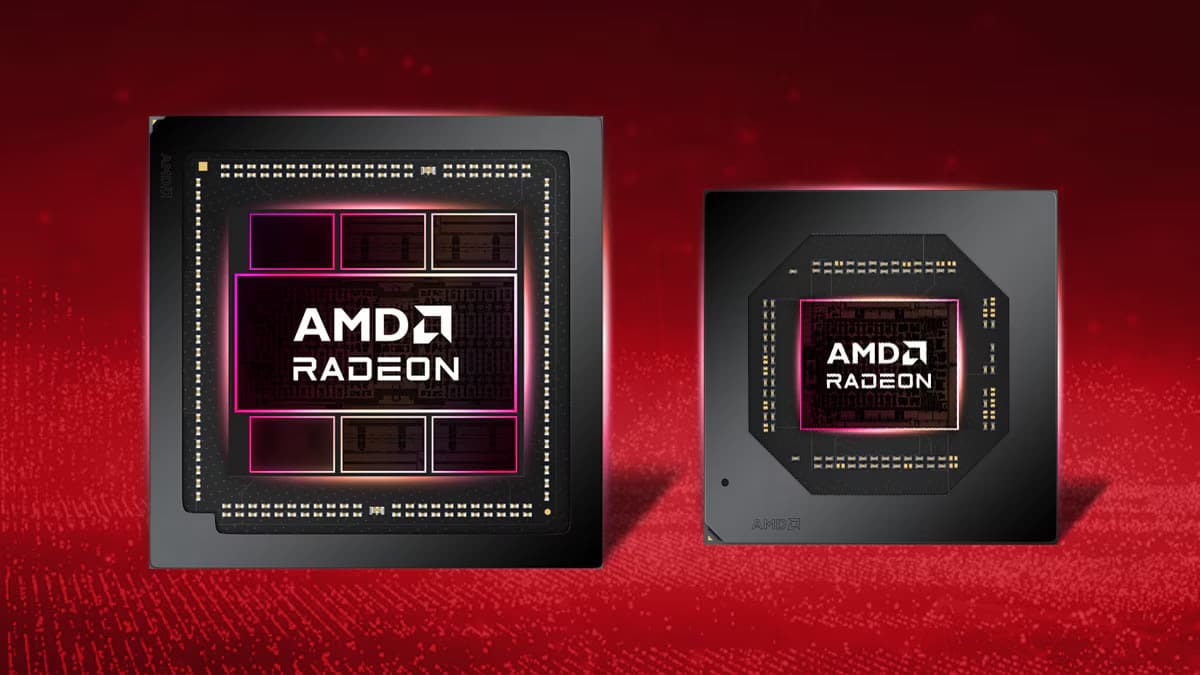
An AMD Radeon Bug Is Silently Reducing Your SSD’s Lifespan
AMD Radeon PC users are concerned after the company acknowledged a bug that compromises SSD lifespan and requires immediate attention.
According to a report by Tom’s Hardware, the problem is related to the External Events Utility (EEU) service, which is installed alongside AMD Radeon drivers. The bug causes SSDs to constantly write data, even when the computer is idle.
One particularly concerning detail is that users have reported this is not a recent issue. One user analyzed their system and discovered that the bug had caused unnecessary writes to their SSD for 16 months. Based on their calculations, the component’s lifespan had decreased by 1% every month.
Another user discovered constant writes of 5 MB/s while their computer wasn’t running any tasks.
Essentially, the EEU bug causes SSDs to repeatedly write data even when the PC isn’t doing anything. Based on the 5 MB/s transfer rate, one estimate suggests that this amounts to 18 GB per hour, 432 GB per day, and, in some cases, as much as 13 TB per month. That’s an excessive amount compared to what happens on a properly functioning computer under average use.

How Can You Check Whether Your AMD PC Has This Concerning Bug?
Although there are some temporary workarounds for this problem, the first step is to find out whether your computer is affected and whether your SSD’s lifespan is decreasing faster than normal without your knowledge.
First, open the Run dialog by pressing Windows + R and type resmon. A window will appear showing activity across different hardware components. Under the Disk tab, look for sustained writes associated with either atieclxx.exe or atiesrxx.exe.
If you find this activity, you’ll have to wait for AMD to release an update that fixes the bug and stops the data writes that are putting your SSD at risk.
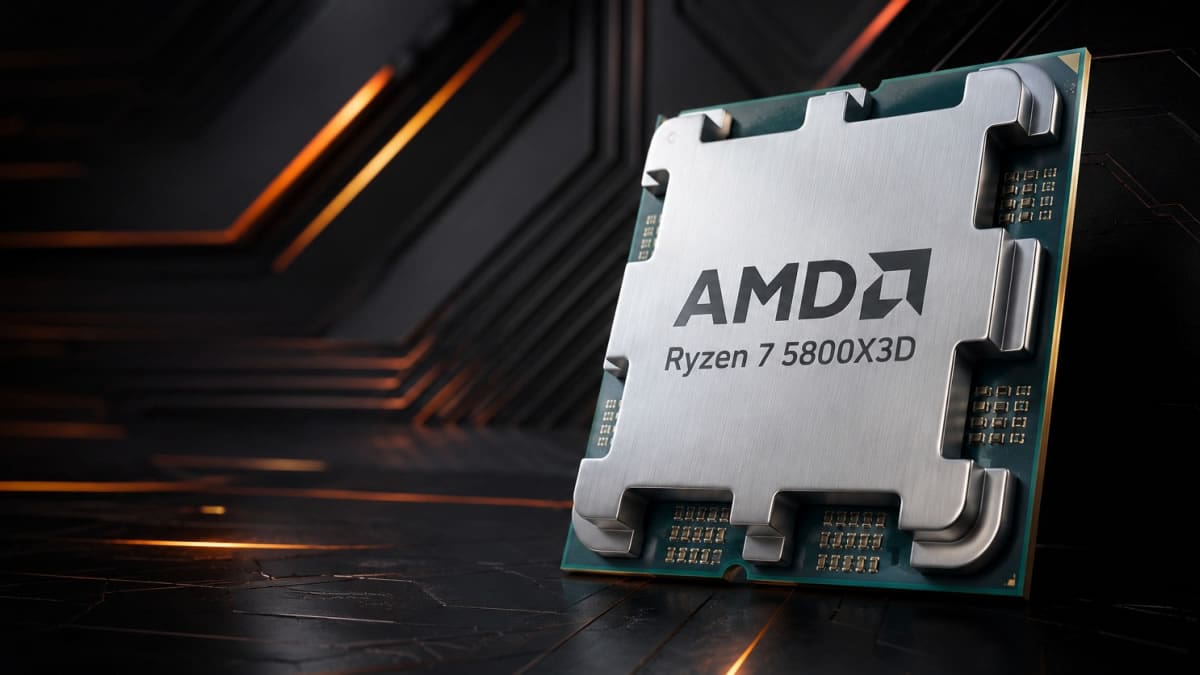
Will AMD Release a Fix? When?
It’s worth noting that, according to the report, AMD has known about this problem since late October. A company representative acknowledged the issue in the brand’s official forums and confirmed that the team is working on a solution.
The same AMD spokesperson said the expectation is that the bug will be fixed in the next update for AMD Radeon systems, although no release date has been announced.
In theory, it should only be a matter of days before a solution becomes available, so you won’t have to worry about your SSD’s lifespan anymore.
Remember that you can find all the latest information about the video game and entertainment industries on LEVEL UP.
About the author

Recommended For You
 News
Sony Wants to Invest in the Company Behind Dragon Ball and One Piece: Anime Is the Best Way to Become an IP Powerhouse
 News
Xbox Boss Claims Her Company Pioneered Dual Analog Stick Controllers, but She’s Wrong
 News
Take-Two Boss Talks About Physical Games and Gives Hope to GTA 6 Fans Who Want a Disc Version of the Most Anticipated Game in History
 News
Comentarios
Inicia sesión desde el menú superior para dejar un comentario.
Sé el primero en comentar.