
The PlayStation Plus service was recently revamped after the arrival of the new subscription tiers and benefits, however, some of these changes were not the best at least not for the users, as they noticed an important detail of the service changed without a warning.
As you may know, the service tents rotate their content on a regular basis and thanks to this, Sony used to display the exact date when certain games would leave the service, however, the company apparently seems to have removed this feature.
In case you missed it: Sony is open to new collaborations with FromSoftware, says Hermen Hulst
Players noticed that this important piece of information has no longer been displayed for a few days, nonetheless, the service still keeps a tab where the titles that will disappear soon are grouped without dates of course.
At least say something...
Actually, Twitter account @PS5Play_ was one of the first ones to report this change, asking Sony to fix this as this is completely inconvenient for anyone who uses the service.
Of course, the community was somewhat disappointed, believing that the feature was very useful. Some gamers think that removing it was a mistake, as the information was important for planning which titles to enjoy in the future.
At the time of writing, Sony has not commented on the matter. So it's impossible to know if the feature was completely removed, if it was temporarily disabled or if it is not displayed due to some kind of error. For now, we will have to wait for the company to comment and hopefully, the information will return before the next wave of games for the service.
Recommended For You
 News
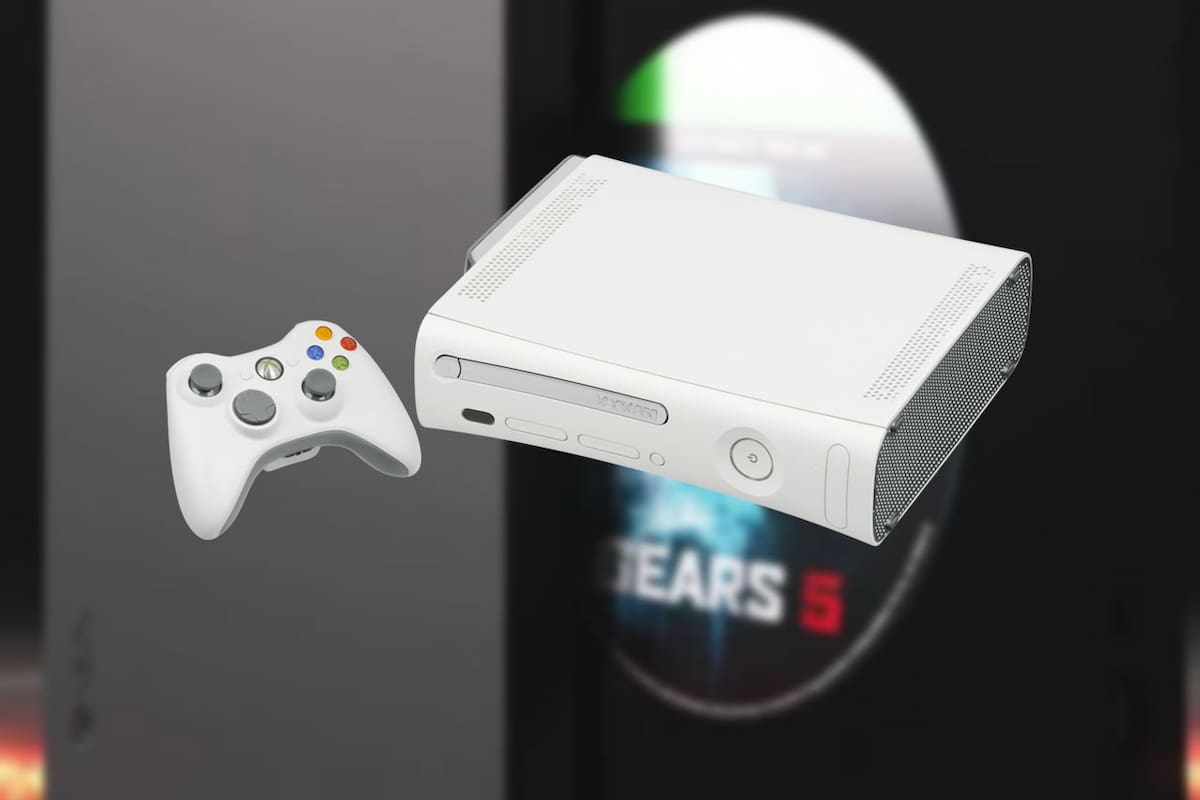
Will Physical Xbox 360 Games Be Added to the Disc to Digital Program? Post Sparks Excitement Among Players, but There’s Bad News
 News
Halo Has a Surprise in Store for Fans of the Franchise and Will Bring Back One of Its Most Beloved Cooperative Modes
 News
GTA 6 Copies Missing Download Codes? Players Report a Concerning Defect in the Game’s “Physical” Edition
 News
Comentarios
Inicia sesión desde el menú superior para dejar un comentario.
Sé el primero en comentar.