Xbox Thought of Everything for Its Disc to Digital Program, and Here’s How to Check Your Digital License History
By Víctor Rosas onIt never hurts to keep things organized, especially when it comes to the games you have access to

Xbox’s Disc to Digital program officially launched for all players a few days ago. Besides offering an excellent middle ground in the transition from physical to digital gaming, it also provides a great user experience.
Fans of physical games likely own plenty of copies of their favorite titles, and keeping track of everything they have can sometimes be difficult. This is especially true with an option that grants access to digital licenses.
However, Xbox thought of everything to make sure users wouldn’t have to worry about that. Players have discovered that the system keeps a record of games that have gone through the program’s verification process and organizes them into an easily accessible list.
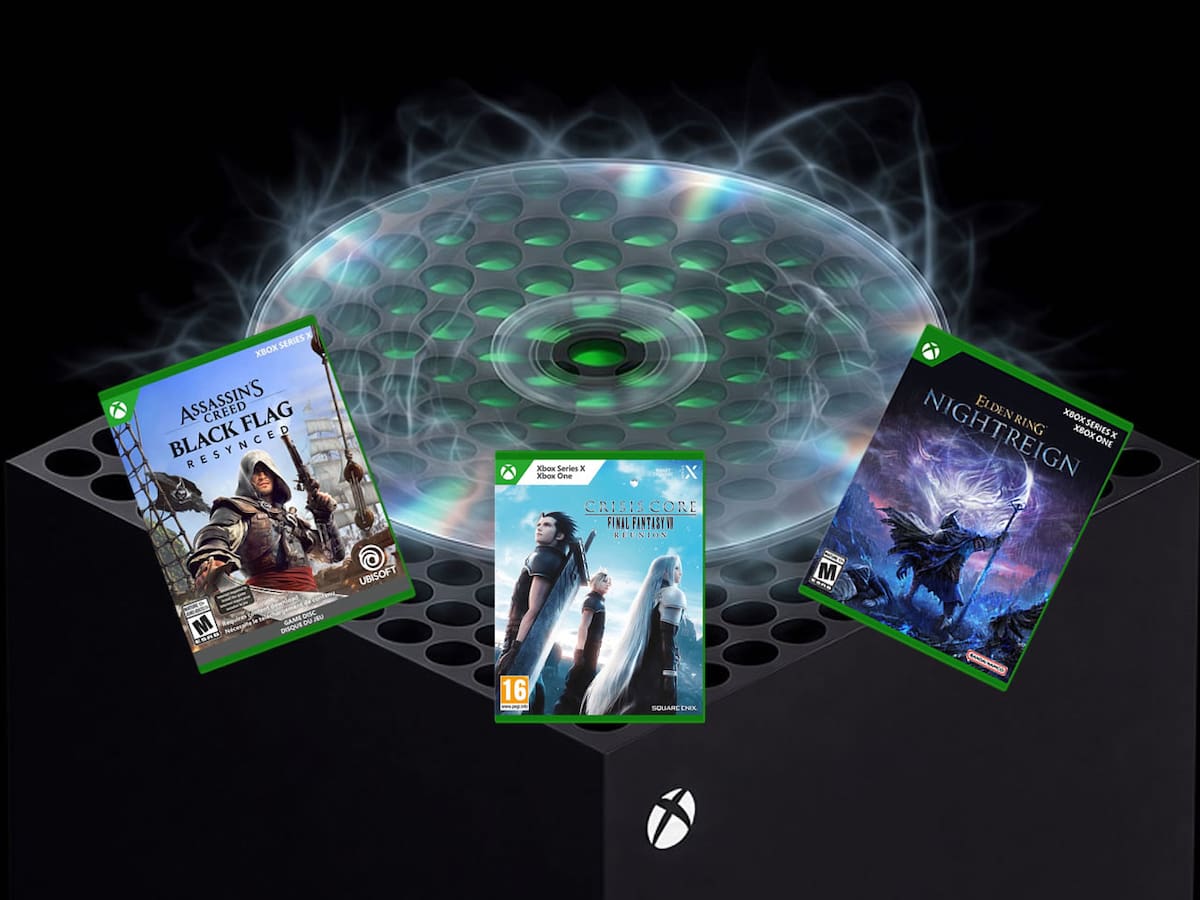
Xbox Disc to Digital: How to check your digital license history
Just days after its rollout to all players, Xbox’s Disc to Digital program has earned praise from users. Players can now access digital copies of their games as long as they own the physical versions, and best of all, there is no additional cost.
Everything is up and running, but if you’re wondering how to check information about games that have already been verified and whether you still have access to their digital versions, this is for you.
According to a report by Pure Xbox, Disc to Digital includes a section linked to your user account that provides information about access to digital licenses for games that support the feature.
To check your history, visit Xbox’s official website. There, you’ll find a list of digital licenses you no longer have access to, for one reason or another.
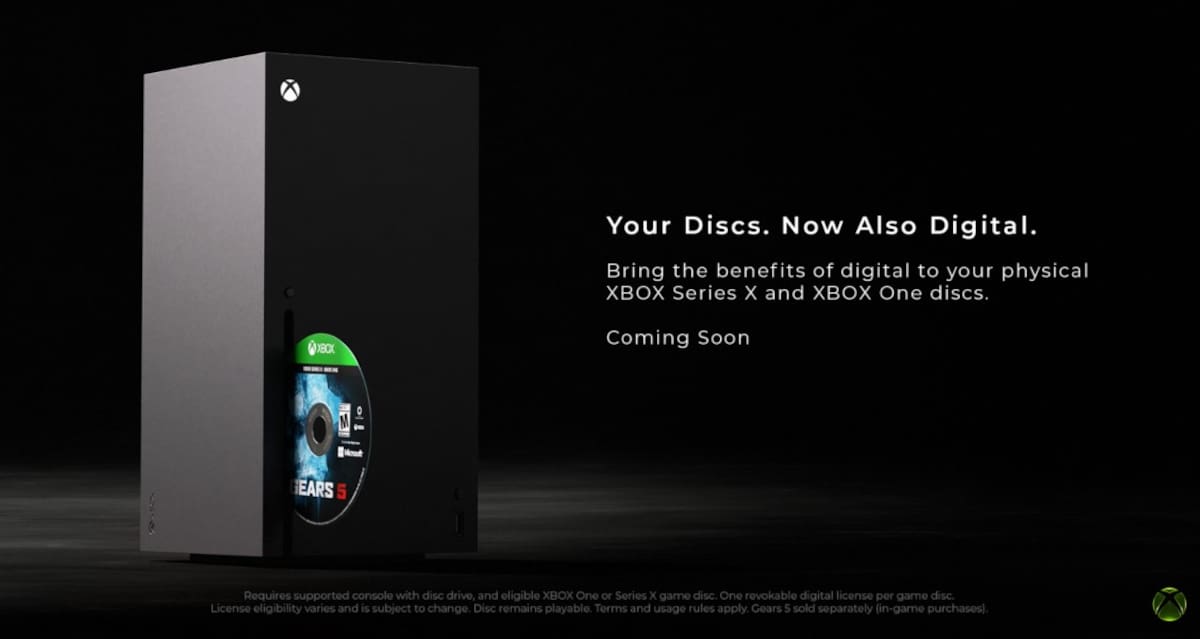
How does Disc to Digital work, and how can you lose access to a digital license?
The Disc to Digital program is as straightforward as possible. If you own a physical copy of an Xbox One or Xbox Series X game, simply insert the disc into a console with a disc drive, and the system will tell you whether the title supports the feature. If it does, you’ll immediately gain access to its digital copy.
This digital copy will be linked to your account, allowing you to download and play the game on any device within Microsoft’s gaming ecosystem.
However, it’s important to note that you’ll retain the digital license on your account only as long as the disc isn’t linked to another account. If that happens, the license will transfer to the new owner, and you’ll lose access to the game. The link mentioned above lets you check which digital copies you can no longer access.
About the author

Recommended For You
 News
NewsAttack on Titan Is Returning in 2027 With a Special Project, More Than 5 Years After Its Controversial Finale
 News
NewsPlayStation Plus Is Losing a Nearly Perfect AAA Game in November 2026, and They Want You to Buy the Sequel
 News
NewsSony Reveals a New Budget PS5 Launching the Same Day as GTA VI, but Not Everyone Will Be Able to Buy It
 News
News
Comentarios
Inicia sesión desde el menú superior para dejar un comentario.
Sé el primero en comentar.